JBC precision and general-purpose cartridges
Find the cartridge family documented for your handle before comparing dimensions. The C210 and C245 catalogues include many working shapes, while C115 addresses nano tools with a separate fit.
-
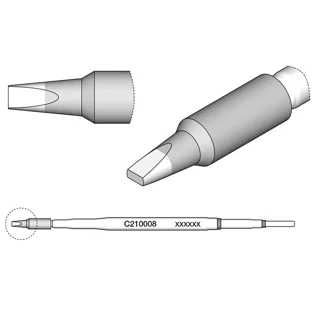 JBC cartridgesJBC C210-008 · 1.3 by 0.6 mm chisel
$62.36Nov 9, 26, 07:21 PM · New YorkAdd to cart
Price info
This is a monthly price snapshot supplied by Rainforest, not a live quote. Product prices and availability are accurate as of the date/time indicated and are subject to change. Any price and availability information displayed on Amazon.com at the time of purchase will apply to the purchase of this product.
Orders and payment take place on Amazon.
-
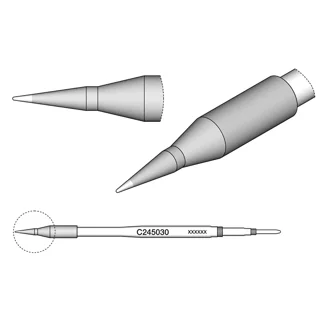 JBC cartridgesJBC C245-030 · 0.3 mm straight conical
$23.80Nov 9, 26, 07:22 PM · New YorkAdd to cart
Price info
This is a monthly price snapshot supplied by Rainforest, not a live quote. Product prices and availability are accurate as of the date/time indicated and are subject to change. Any price and availability information displayed on Amazon.com at the time of purchase will apply to the purchase of this product.
Orders and payment take place on Amazon.
-
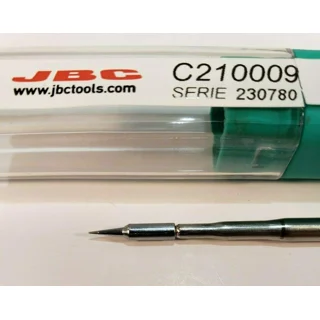 JBC cartridgesJBC C210009 · 0.2 mm straight conical
$62.36Nov 9, 26, 07:22 PM · New YorkAdd to cart
Price info
This is a monthly price snapshot supplied by Rainforest, not a live quote. Product prices and availability are accurate as of the date/time indicated and are subject to change. Any price and availability information displayed on Amazon.com at the time of purchase will apply to the purchase of this product.
Orders and payment take place on Amazon.
-
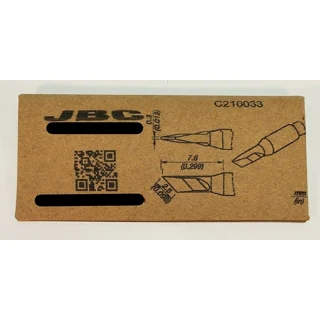 JBC cartridgesJBC C210033 · compact knife
$66.18Nov 9, 26, 09:34 PM · New YorkAdd to cart
Price info
This is a monthly price snapshot supplied by Rainforest, not a live quote. Product prices and availability are accurate as of the date/time indicated and are subject to change. Any price and availability information displayed on Amazon.com at the time of purchase will apply to the purchase of this product.
Orders and payment take place on Amazon.
-
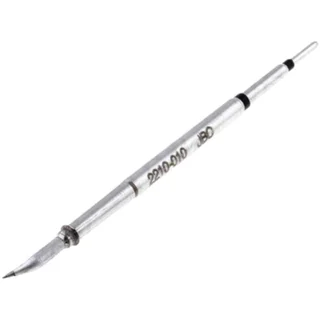 JBC cartridgesJBC C210-010 · 0.3 mm curved conical
$56.56Nov 9, 26, 09:34 PM · New YorkAdd to cart
Price info
This is a monthly price snapshot supplied by Rainforest, not a live quote. Product prices and availability are accurate as of the date/time indicated and are subject to change. Any price and availability information displayed on Amazon.com at the time of purchase will apply to the purchase of this product.
Orders and payment take place on Amazon.
-
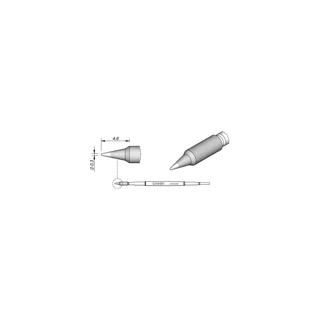 JBC cartridgesJBC C210-001 · 0.3 mm conical
$66.91Nov 9, 26, 09:34 PM · New YorkAdd to cart
Price info
This is a monthly price snapshot supplied by Rainforest, not a live quote. Product prices and availability are accurate as of the date/time indicated and are subject to change. Any price and availability information displayed on Amazon.com at the time of purchase will apply to the purchase of this product.
Orders and payment take place on Amazon.
-
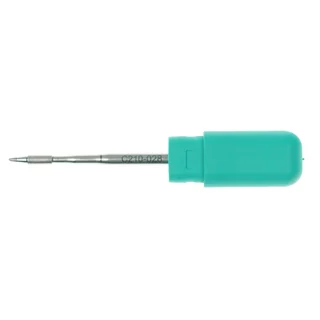 JBC cartridgesJBC C210028 · 1 mm spoon
$66.18Nov 9, 26, 09:34 PM · New YorkAdd to cart
Price info
This is a monthly price snapshot supplied by Rainforest, not a live quote. Product prices and availability are accurate as of the date/time indicated and are subject to change. Any price and availability information displayed on Amazon.com at the time of purchase will apply to the purchase of this product.
Orders and payment take place on Amazon.
-
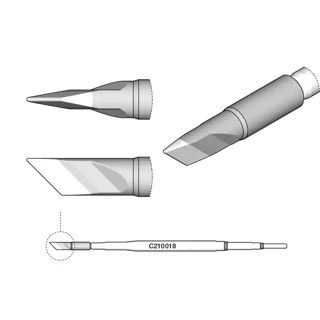 JBC cartridgesJBC C210018 · 3.4 by 0.3 mm knife
$53.80Nov 9, 26, 09:34 PM · New YorkAdd to cart
Price info
This is a monthly price snapshot supplied by Rainforest, not a live quote. Product prices and availability are accurate as of the date/time indicated and are subject to change. Any price and availability information displayed on Amazon.com at the time of purchase will apply to the purchase of this product.
Orders and payment take place on Amazon.
-
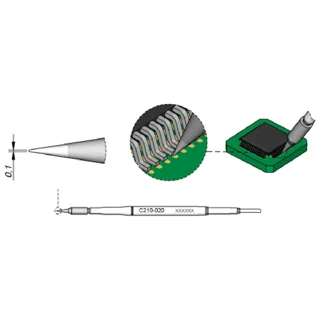 JBC cartridgesJBC C210020 · 0.1 mm conical
$55.92Nov 9, 26, 09:34 PM · New YorkAdd to cart
Price info
This is a monthly price snapshot supplied by Rainforest, not a live quote. Product prices and availability are accurate as of the date/time indicated and are subject to change. Any price and availability information displayed on Amazon.com at the time of purchase will apply to the purchase of this product.
Orders and payment take place on Amazon.
-
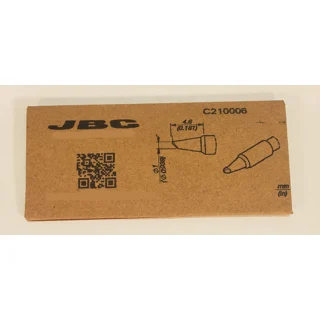 JBC cartridgesJBC C210-006 · 1 mm bevel
$53.04Nov 9, 26, 09:34 PM · New YorkAdd to cart
Price info
This is a monthly price snapshot supplied by Rainforest, not a live quote. Product prices and availability are accurate as of the date/time indicated and are subject to change. Any price and availability information displayed on Amazon.com at the time of purchase will apply to the purchase of this product.
Orders and payment take place on Amazon.
-
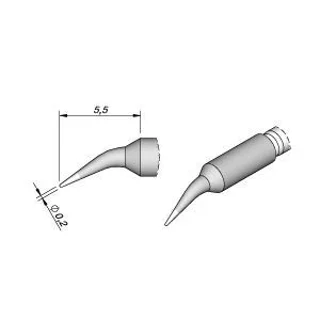 JBC cartridgesJBC C210002 · 0.2 mm bent conical
$62.36Nov 9, 26, 09:34 PM · New YorkAdd to cart
Price info
This is a monthly price snapshot supplied by Rainforest, not a live quote. Product prices and availability are accurate as of the date/time indicated and are subject to change. Any price and availability information displayed on Amazon.com at the time of purchase will apply to the purchase of this product.
Orders and payment take place on Amazon.
-
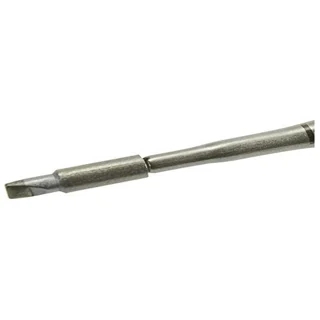 JBC cartridgesJBC C210007 · 2.3 by 0.7 mm chisel
$62.36Nov 9, 26, 09:35 PM · New YorkAdd to cart
Price info
This is a monthly price snapshot supplied by Rainforest, not a live quote. Product prices and availability are accurate as of the date/time indicated and are subject to change. Any price and availability information displayed on Amazon.com at the time of purchase will apply to the purchase of this product.
Orders and payment take place on Amazon.
-
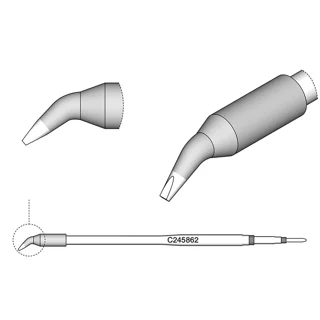 JBC cartridgesJBC C245862 · long 1.2 by 0.7 mm bent chisel
$58.70Nov 9, 26, 09:36 PM · New YorkAdd to cart
Price info
This is a monthly price snapshot supplied by Rainforest, not a live quote. Product prices and availability are accurate as of the date/time indicated and are subject to change. Any price and availability information displayed on Amazon.com at the time of purchase will apply to the purchase of this product.
Orders and payment take place on Amazon.
-
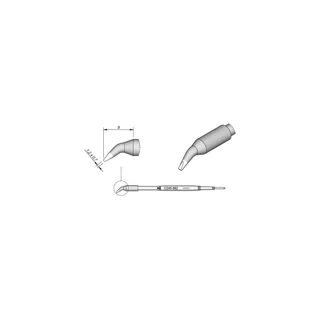 JBC cartridgesJBC C245962 · 1.2 mm bent chisel
$52.40Nov 9, 26, 09:36 PM · New YorkAdd to cart
Price info
This is a monthly price snapshot supplied by Rainforest, not a live quote. Product prices and availability are accurate as of the date/time indicated and are subject to change. Any price and availability information displayed on Amazon.com at the time of purchase will apply to the purchase of this product.
Orders and payment take place on Amazon.
-
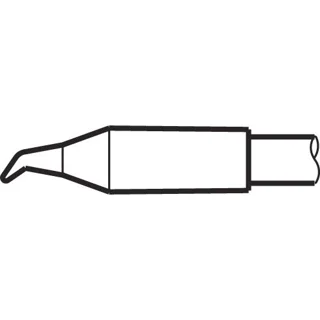 JBC cartridgesJBC C245-034 · 0.4 mm bent conical
$36.79Nov 9, 26, 09:36 PM · New YorkAdd to cart
Price info
This is a monthly price snapshot supplied by Rainforest, not a live quote. Product prices and availability are accurate as of the date/time indicated and are subject to change. Any price and availability information displayed on Amazon.com at the time of purchase will apply to the purchase of this product.
Orders and payment take place on Amazon.
-
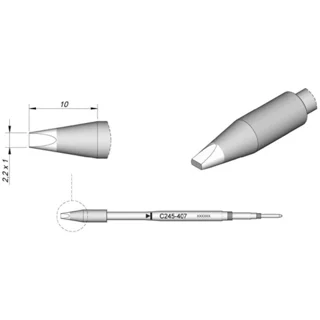 JBC cartridgesJBC C245407 · 2.2 by 1 mm HT chisel
$57.40Nov 9, 26, 09:36 PM · New YorkAdd to cart
Price info
This is a monthly price snapshot supplied by Rainforest, not a live quote. Product prices and availability are accurate as of the date/time indicated and are subject to change. Any price and availability information displayed on Amazon.com at the time of purchase will apply to the purchase of this product.
Orders and payment take place on Amazon.
-
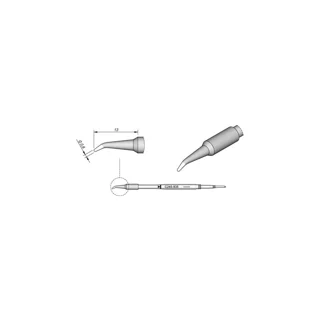 JBC cartridgesJBC C245-935 · 0.8 mm bent conical
$53.20Nov 9, 26, 09:36 PM · New YorkAdd to cart
Price info
This is a monthly price snapshot supplied by Rainforest, not a live quote. Product prices and availability are accurate as of the date/time indicated and are subject to change. Any price and availability information displayed on Amazon.com at the time of purchase will apply to the purchase of this product.
Orders and payment take place on Amazon.
-
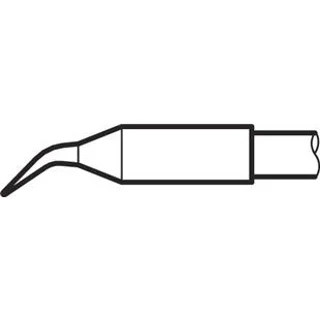 JBC cartridgesJBC C245-029 · 0.4 mm S2 bent conical
$57.40Nov 9, 26, 09:36 PM · New YorkAdd to cart
Price info
This is a monthly price snapshot supplied by Rainforest, not a live quote. Product prices and availability are accurate as of the date/time indicated and are subject to change. Any price and availability information displayed on Amazon.com at the time of purchase will apply to the purchase of this product.
Orders and payment take place on Amazon.
-
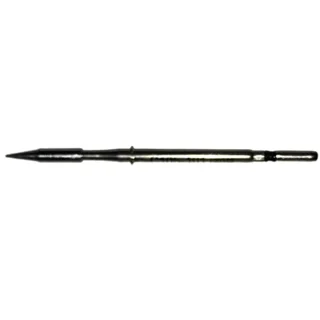 JBC cartridgesJBC C105-103 · 0.3 mm nano conical
$82.73Nov 9, 26, 09:36 PM · New YorkAdd to cart
Price info
This is a monthly price snapshot supplied by Rainforest, not a live quote. Product prices and availability are accurate as of the date/time indicated and are subject to change. Any price and availability information displayed on Amazon.com at the time of purchase will apply to the purchase of this product.
Orders and payment take place on Amazon.
-
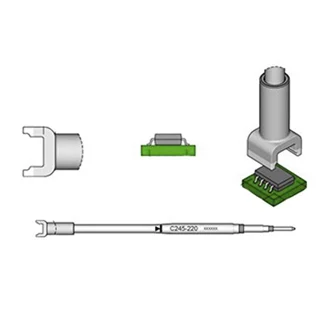 JBC cartridgesJBC C245220 · 5.4 by 6 mm dual in-line
$129.20Nov 9, 26, 09:36 PM · New YorkAdd to cart
Price info
This is a monthly price snapshot supplied by Rainforest, not a live quote. Product prices and availability are accurate as of the date/time indicated and are subject to change. Any price and availability information displayed on Amazon.com at the time of purchase will apply to the purchase of this product.
Orders and payment take place on Amazon.
-
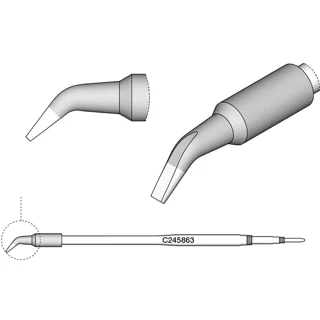 JBC cartridgesJBC C245863 · long 1.8 by 0.8 mm bent chisel
$64.91Nov 9, 26, 09:36 PM · New YorkAdd to cart
Price info
This is a monthly price snapshot supplied by Rainforest, not a live quote. Product prices and availability are accurate as of the date/time indicated and are subject to change. Any price and availability information displayed on Amazon.com at the time of purchase will apply to the purchase of this product.
Orders and payment take place on Amazon.
-
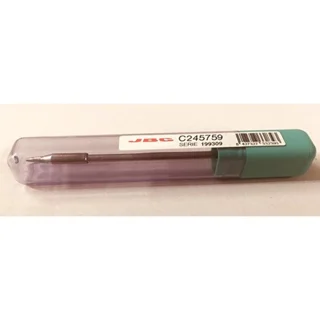 JBC cartridgesJBC C245-759 · 2.4 by 0.5 mm HT chisel
$36.79Nov 9, 26, 09:37 PM · New YorkAdd to cart
Price info
This is a monthly price snapshot supplied by Rainforest, not a live quote. Product prices and availability are accurate as of the date/time indicated and are subject to change. Any price and availability information displayed on Amazon.com at the time of purchase will apply to the purchase of this product.
Orders and payment take place on Amazon.
-
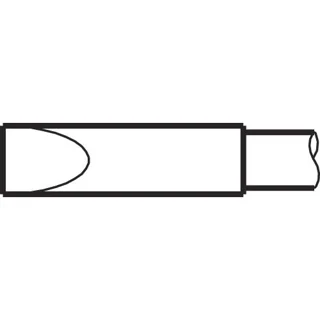 JBC cartridgesJBC C245-908 · 4.8 by 1.5 mm HT chisel
$66.45Nov 9, 26, 09:37 PM · New YorkAdd to cart
Price info
This is a monthly price snapshot supplied by Rainforest, not a live quote. Product prices and availability are accurate as of the date/time indicated and are subject to change. Any price and availability information displayed on Amazon.com at the time of purchase will apply to the purchase of this product.
Orders and payment take place on Amazon.
-
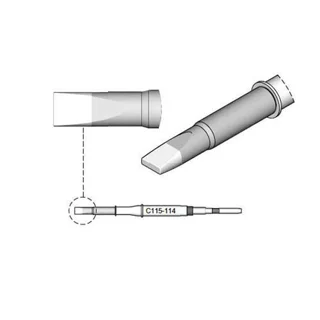 JBC cartridgesJBC C115114 · 1.8 by 0.5 mm nano chisel
$69.99Nov 9, 26, 09:37 PM · New YorkAdd to cart
Price info
This is a monthly price snapshot supplied by Rainforest, not a live quote. Product prices and availability are accurate as of the date/time indicated and are subject to change. Any price and availability information displayed on Amazon.com at the time of purchase will apply to the purchase of this product.
Orders and payment take place on Amazon.
-
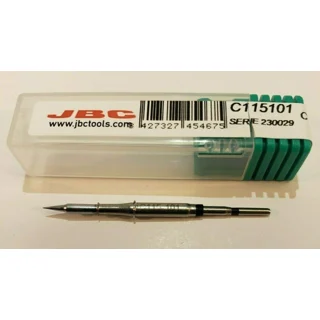 JBC cartridgesJBC C115101 · 0.1 mm nano conical
$70.00Nov 9, 26, 09:37 PM · New YorkAdd to cart
Price info
This is a monthly price snapshot supplied by Rainforest, not a live quote. Product prices and availability are accurate as of the date/time indicated and are subject to change. Any price and availability information displayed on Amazon.com at the time of purchase will apply to the purchase of this product.
Orders and payment take place on Amazon.
-
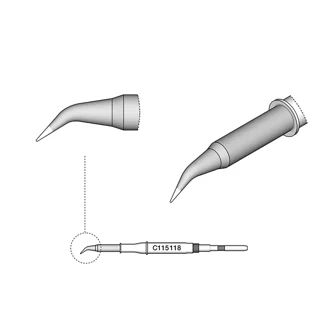 JBC cartridgesJBC C115118 · 0.1 mm bent nano conical
$68.88Nov 9, 26, 09:37 PM · New YorkAdd to cart
Price info
This is a monthly price snapshot supplied by Rainforest, not a live quote. Product prices and availability are accurate as of the date/time indicated and are subject to change. Any price and availability information displayed on Amazon.com at the time of purchase will apply to the purchase of this product.
Orders and payment take place on Amazon.
-
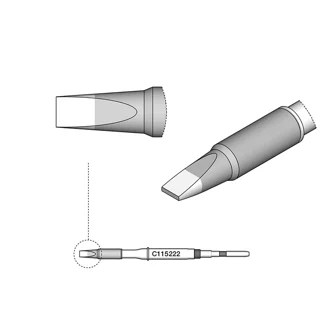 JBC cartridgesJBC C115222 · 1.6 by 0.3 mm HT nano chisel
$76.36Nov 9, 26, 09:37 PM · New YorkAdd to cart
Price info
This is a monthly price snapshot supplied by Rainforest, not a live quote. Product prices and availability are accurate as of the date/time indicated and are subject to change. Any price and availability information displayed on Amazon.com at the time of purchase will apply to the purchase of this product.
Orders and payment take place on Amazon.
-
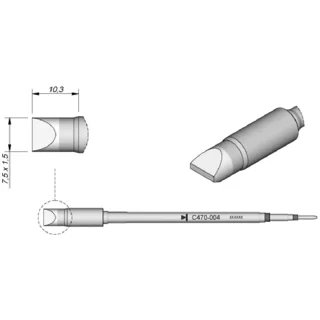 JBC cartridgesJBC C470-004 · 7.5 by 1.5 mm heavy-duty chisel
$81.45Nov 9, 26, 10:29 PM · New YorkAdd to cart
Price info
This is a monthly price snapshot supplied by Rainforest, not a live quote. Product prices and availability are accurate as of the date/time indicated and are subject to change. Any price and availability information displayed on Amazon.com at the time of purchase will apply to the purchase of this product.
Orders and payment take place on Amazon.
-
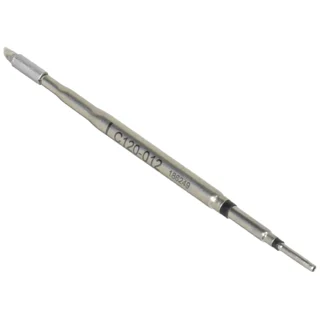 JBC cartridgesJBC C120012 · 0.7 mm bent conical, one cartridge
$72.55Nov 9, 26, 10:29 PM · New YorkAdd to cart
Price info
This is a monthly price snapshot supplied by Rainforest, not a live quote. Product prices and availability are accurate as of the date/time indicated and are subject to change. Any price and availability information displayed on Amazon.com at the time of purchase will apply to the purchase of this product.
Orders and payment take place on Amazon.
What to check before buying
Start with the handle family
Use the JBC chart to distinguish T210 and T245, nano C105 and C115, AM120 or PA120 tweezers, and heavy-duty T470 tools. A fine point can have the same diameter in two families while using a different cartridge connection.
Choose a geometry for the footprint
The C210008 flat gives a defined line of contact on an exposed pad. The C210002 bends a fine point around an obstruction. For opposing rows, compare the footprint with a documented dual in-line cartridge rather than buying by pin count.
Manufacturer compatibility reference
Compare these tips
Questions about this tip family
Can I use the old C105 cartridge after a nano station upgrade?
Check the installed tool. JBC documents separate C105 and C115 families, and the station name can stay the same after a tool upgrade.
What does the longer C245862 change?
JBC lists it as 20 mm longer than the C245962 with the same nominal chisel dimensions. Select the long version when the shaft has to reach past an obstruction.